
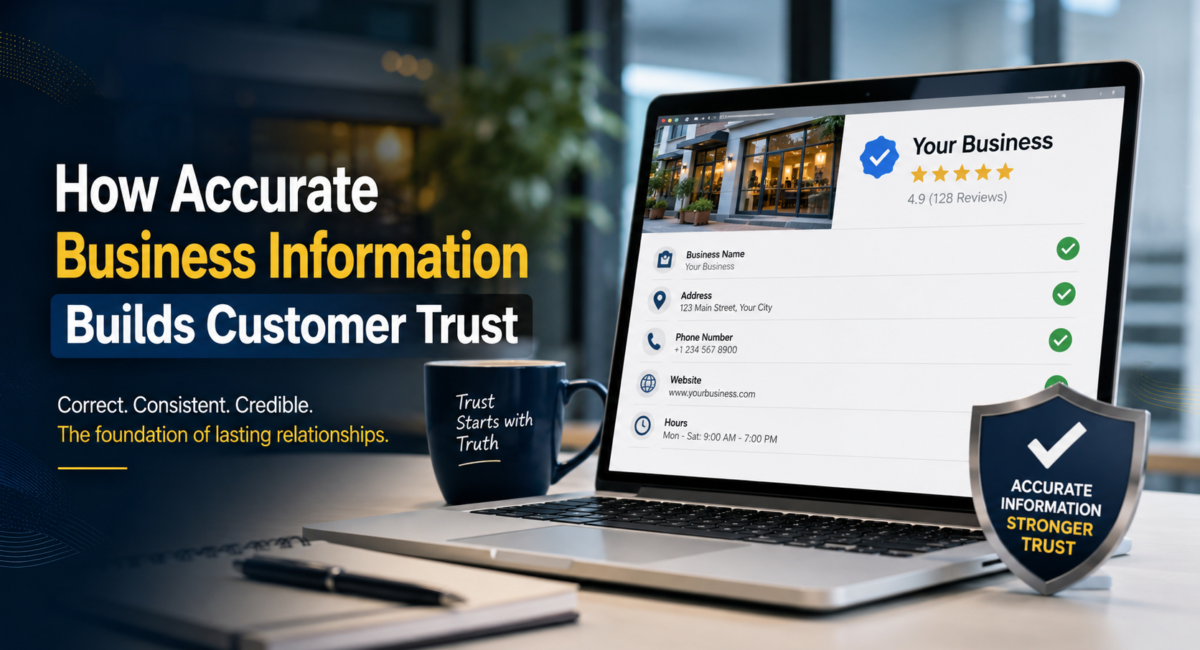
How Accurate Business Information Builds Customer Trust
In today’s digital world, customers don’t just buy products or services—they buy confidence. Before they trust a business, they quietly check one thing: Is the information about this business accurate and consistent everywhere? If your details match across your website, Google Business Profile, social media, and listing sites, trust begins even before the first interaction. If they don’t, doubt enters instantly.
Accurate business information is no longer a minor detail. It is a core pillar of customer trust and a critical signal for Google’s E‑E‑A‑T (Experience, Expertise, Authoritativeness, Trustworthiness).
Why Accuracy Is the Foundation of Trust
Think about how a typical customer behaves:
They search your business name on Google.
They check your address, phone number, opening hours.
They glance at reviews and maybe your website for more details.
If they see different hours on your website and Google, or two different phone numbers, they immediately hesitate. If they call and the number is wrong or visit and find you closed, trust is broken—and often permanently.
Accurate information builds trust in three simple ways:
Consistency reduces confusion
When your business name, address, phone (NAP), hours, and services are consistent everywhere, customers feel confident they can rely on you.Clarity lowers perceived risk
Clear pricing, transparent policies, and honest descriptions make people feel safer before they commit.Reliability becomes part of your brand image
When every interaction matches what you promised online, customers start to see you as dependable and professional.
In other words, accuracy isn’t just data hygiene—it’s emotional safety for the customer.
Accuracy and E‑E‑A‑T: How Google Sees Your Business
Google uses E‑E‑A‑T to evaluate whether your content and business are trustworthy and helpful:
Experience – Do you show real‑world, practical understanding of your field?
Expertise – Are your explanations and advice technically correct?
Authoritativeness – Are you recognized and referred to as a reliable source?
Trustworthiness – Can users and Google believe your information?
Accurate business information supports all four:
When your details are correct and up to date, it signals professionalism and responsible management.
When your content is fact‑checked and practical, it shows experience and expertise.
When other sites list you with the same correct information, it strengthens your authoritativeness and trustworthiness.
If you want Google to see your business as credible and safe to recommend, accuracy is non‑negotiable.
How Accurate Information Improves SEO (Not Just Trust)
Trust is emotional; SEO is technical—but accuracy connects both.
Here’s how:
Local SEO and NAP consistency
Search engines use your name, address, and phone number as key signals to understand and verify your business.If your NAP is consistent across your website, Google Business Profile, and directories, Google is more confident about your identity and location.
This increases your chances of ranking in local search and Google Maps for relevant queries.
Better user engagement metrics
When users find exactly what they expect—correct hours, right address, valid offers—they are more likely to stay, call, visit, or convert.Longer time on page
Higher click‑through rates
Lower bounce rates
These engagement signals support better rankings over time.
Reduced negative feedback and confusion
Inaccurate info often leads to bad reviews like “The place was closed” or “Number doesn’t work.”Fewer such complaints mean a cleaner reputation and better average ratings.
Strong ratings and reviews are powerful trust and indirect ranking signals.
So, accurate information is not just polite—it’s a search performance factor.
Key Areas Where Accuracy Matters Most
To build customer trust deeply, focus on these critical information zones:
1. Business Identity and Contact Details
Business name (spelled exactly the same everywhere)
Address (correct, with proper formatting and pincode)
Phone number (reachable and consistent)
Email and website URL
Google Business Profile details
Any mismatch here creates friction and suspicion. A customer should never have to guess how to contact you.
2. Opening Hours and Availability
If someone travels across the city to visit your premises and finds you closed, that trust may never return.
Keep opening and closing times updated.
Reflect holiday hours and special events accurately.
Update changes immediately on your website, Google profile, and major listings.
3. Products, Services, and Pricing
Overpromising and under‑delivering is the fastest way to destroy trust.
Describe services and products honestly—no exaggerated claims.
Keep pricing updated; avoid “starting at” if actual prices are very different.
Don’t advertise offers that have already expired.
What you show online must match what the customer experiences offline.
4. Policies: Refund, Cancellation, Privacy
Customers feel safer when they understand what happens if something goes wrong.
Write clear refund, cancellation, and rescheduling policies.
Make them easy to find—no hiding in fine print.
Follow your own policies consistently in practice.
Clarity here reduces disputes and builds long‑term confidence.
5. Content: Blogs, Guides, FAQs
Your blog and website content are extensions of your brand’s credibility.
Use accurate statistics and reference reliable sources.
Explain concepts clearly, especially in niches like education, finance, health, or law.
Avoid copying content; focus on original insights backed by real experience.
Accurate, helpful content makes your brand a trusted educator, not just a marketer.
Practical Steps to Keep Your Information Accurate
Here are concrete, repeatable actions you can take:
Step 1: Create a “Single Source of Truth”
Maintain one internal document (or sheet) with:
Official business name
Correct address and phone
Standard business description
Updated list of services and pricing
Policies, FAQs, and key messages
Whenever you change something, update this document first, then copy that update across platforms. This prevents small errors from spreading.
Step 2: Audit Your Online Presence Monthly
Once a month:
Check your website, Google Business Profile, social pages, and major directories.
Confirm that NAP, hours, services, and links match your “single source of truth”.
Fix inconsistencies immediately.
This simple routine protects both trust and SEO.
Step 3: Fact‑Check All New Content
Before publishing a blog or page:
Verify all data, stats, and definitions.
Avoid vague phrases like “best” or “guaranteed” unless you can prove them.
Clearly separate facts from opinions or personal experiences.
Editing for accuracy is just as important as editing for grammar.
Step 4: Encourage Feedback and Correct Mistakes Openly
Invite customers to tell you if they find wrong information.
Add a simple line like: “If you notice outdated information, please contact us so we can correct it.”
When you do correct something, you can note that the page was updated.
This transparency itself is a powerful trust signal.
Adding Human Experience: Your Story Matters
To fully align with E‑E‑A‑T, don’t only present facts—present experience.
Share real stories: how you handled a misunderstanding, a policy dispute, or a schedule change.
Show that you learned from these incidents and improved your information for future customers.
Add an author bio that explains your background and years of experience in your field.
This transforms dry information into human credibility.
Final Thoughts: Accuracy Is Respect
At its core, accurate business information is about respecting your customer’s time, money, and trust. When you show the right details, keep them updated, and match your online promises with offline reality, people feel safe choosing you—and recommending you.
That safety is what Google wants to reward. And that’s how accurate information becomes a bridge between:
Customer trust
Strong reputation
Better search visibility
Leave a Comment